Hello Yingjie (Jay) Yuan
Hello World!
Welcome to My Professional Journey 👋
Computer Science student at Lassonde School of Engineering, York University. Passionate about AI technology and open-source development. Active contributor to various open-source projects with a focus on AI integration and software development.
“Why Me”
Jay Yuan is a Computer Science student at York University who bridges technical expertise with business acumen. With experience in both open-source development and AI technologies, he currently works at an AI development platform focusing on technical support and product design. His approach emphasizes practical learning and impact-driven development in the GenAI era.
Key areas: Software Development, AI Applications, Technical Support, Product Design
Navigation Overview
Technical Expertise
- Advanced: Python, Java
- Intermediate: JavaScript, C
- Web Development: HTML/CSS, React.js, Node.js
- Frameworks: TensorFlow, PyTorch
- LLM Integration: Prompt Engineering, LangChain
- Cloud Services: AWS, Azure, GCP
Featured Projects
- Python-based bot toolkit with AI integration
- Multiple API integrations (Cohere, LangChain)
- Modular design for extensibility
- LangChain web app implementation
- Knowledge base integration
- Advanced LLM capabilities
Professional Growth
- B.Sc. Honours Computer Science (Co-op eligible)
- Expected Graduation: May 2026
- Specializing in AI and Software Development
- GitHub active open-source contributor since 2021
- Pypi package with 400+ downloads
- Recognition from top project maintainers
Technical Interests
- AI Safety & Ethics
- Open Source Development
- Machine Learning Applications
- Natural Language Processing
- Cybersecurity & Privacy
My resume
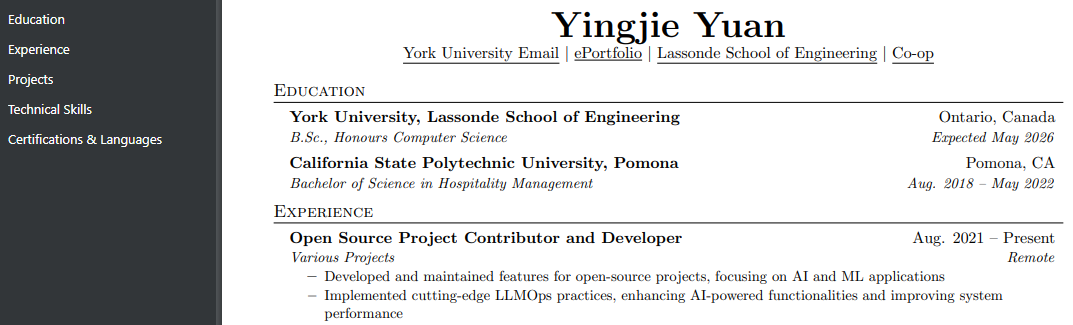
Click this 👉 View Complete Resume
Let’s Connect
Evaluation Helper
Here is a full txt file that may help you evaluate my e-portfolio.
This is a Batteries Included file, so technically you can just use it to evaluate my e-portfolio by simply copying and pasting it to some where that can help you evaluate it with nothing else needed, or add your own understanding or thought, or even read it directly.
Please use it with care and respect the privacy of the content, do not share it with others. Thanks!
- First, Click the “llms-full.txt” button.
- Then, copy the content of the file, and use it as you need.
- For Windoes:
- Press
Ctrl + Ato select all - then
Ctrl + Cto copy to llm such as Claude that help you evaluate.
- Press
- For Mac:
- Press
Cmd + Ato select all - then
Cmd + Cto copy to llm such as Claude that help you evaluate.
- Press
- For Windoes:
Click this 👉 llms-full.txt
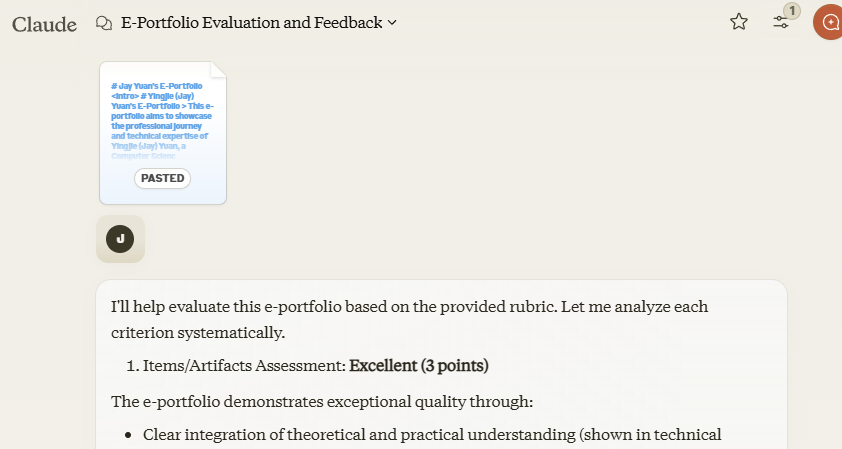
(No prompt, pure copy and paste)
Portfolio Status
Last Updated:
2024/12/12
Feat: llms-full.txt
See more at:
History:
2024/12/06
Feat: Include the video as part of the introduction.
Chore: More Goals, reflections, critiques,
and clearly highlighting the purpose of your e-portfolio; more critical thinking.
Fix: Cloudflare Page files limit - ffmpeg used
2024/11/29
Feat: 1-Goals and work Portfolios and 2-Course projects or papers; refine overall.
2024/11/17
Chore: Actively maintained and updated with new projects and achievements.